Panasonic SCAK50 Manual do Utilizador
Consulte online ou descarregue Manual do Utilizador para Acústica Panasonic SCAK50. Panasonic SCAK50 User Manual Manual do Utilizador
- Página / 38
- Índice
- RESOLUÇÃO DE PROBLEMAS
- MARCADORES

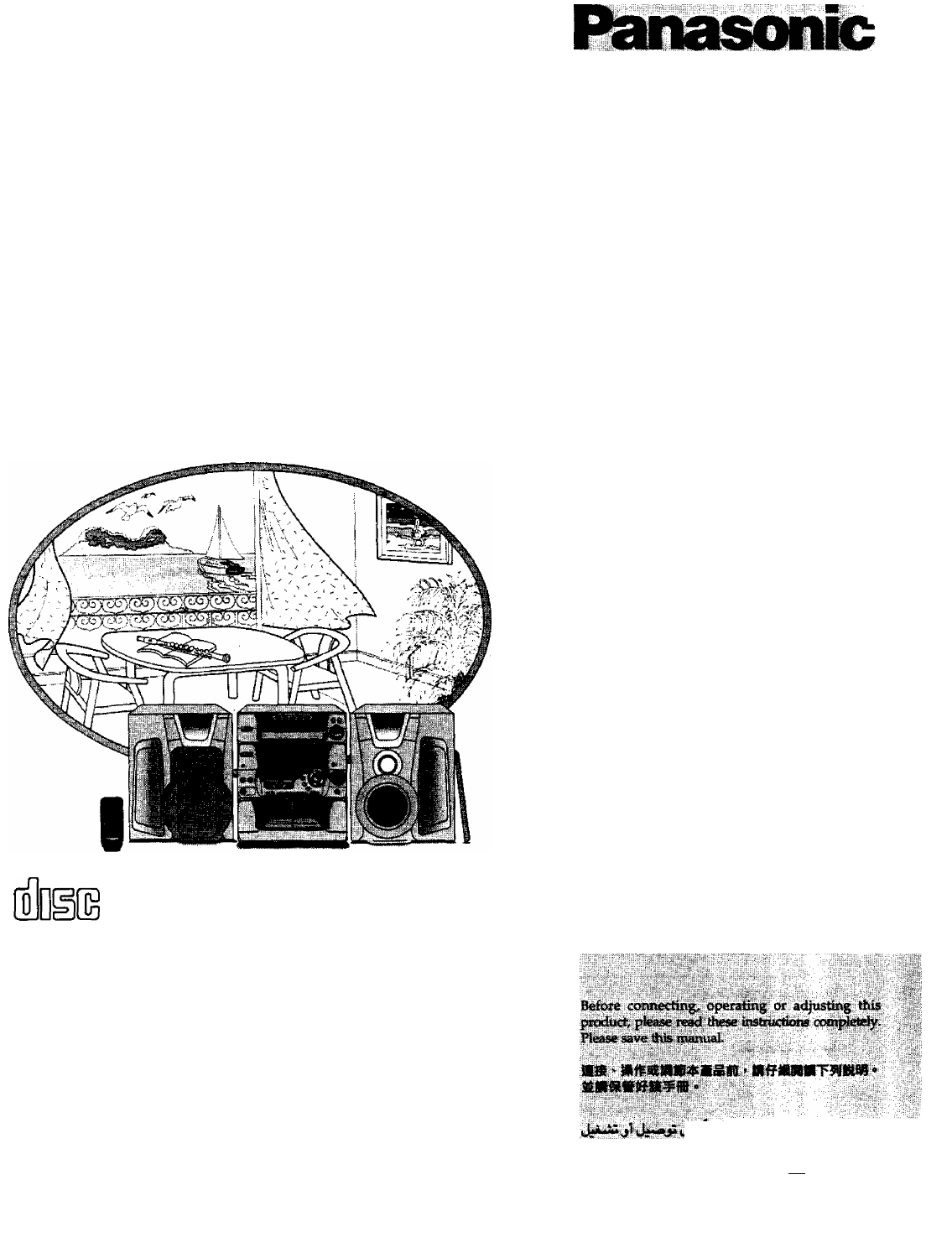
- CD Stereo System 1
- Dear customer 2
- JJLi jfciaJiJl 4
- Concerning the remóle control 4
- ConnecHons 5
- Basic connections 5
- Connections 6
- (D Echo volume control (ECHO) 7
- Demo function 8
- Setting the time 8
- %\\ \ ^ / /// 9
- Ustening to mdimhroadeasts 10
- Listening to compact discs 11
- 71 Adjust the volume level 12
- Direct access play 13
- Repeat play 13
- Random play 13
- Ustening to compoct discs 14
- (CD Manoger function) 15
- (CD Manager function) 16
- Listening to tapes 17
- To stop recording 20
- <iiscs 21
- Recording from comfмc^ discs 22
- Recording from compact discs 23
- 1-TRACK 1-DISC — 1-ALL 23
- recorcfing 24
- Sound quality^ fields etc« 25
- Using the play timer 26
- Using the play Hmar^j 27
- Using the record flnter 28
- (Contintivii on next pn^e) 28
- Using the record ftmar 29
- CD Recording start time 29
- Using thB sleep timer M 30
- : SLEEP ( 30
- 011 mxfernai unit M 31
- Singing aiong with KARAOKB 32
- CD Co CD CD ■ 33
- ‘ Jih jll ^J n 34
- Concerning compact discs 35
- Troubleshooting guide 36
- Technical specifícafions 38
Resumo do Conteúdo
CD Stereo SystemCDjiMMMasM0^\ \fl (jA^SC-AK50Operating Instructions JJuuiH oIjUujIs>liiliiSllftiiCOMPACTDIGITAL AUDIOISIgHIgTIMSSM" "S&qu
Ustening to mdimhroadeastsPress TUNER BAND to select band.The power will come on automatically.Every time you press the button; FM ’ ► AM .Press TUNE
Listening to compact discsLoading and checking CDsAlways stop the changer before loading or changing CDs. You cannot change CDs while a disc is playin
Listening to compact discsSequential playPress CD.The power will come on automatically.Insert CDs in the trays.(For details, see page 20.)Press ►.Play
Listening to comp€Kt discsDirect access playTo listen to a favorite CD OPress DISC 1 - DISC 5, whichever disc you want.The setected CD will be played
Ustening to compoct discsProgram playb}/ control onh/You can program up to 24 track.m Press CD.Press PROGRAM. Press DISC.(within 10 seconds or so)Pre
Ustening to compact discsTo listen to special CDs and tracks (CD Manoger function)This function makes it easier for you to select special CDs an
Usfening to compact discsTo listen to special CDs and tracks (CD Manager function)To listen to Hie same numbered track on all CDs (V A
Listening to tapesType of tape which can be played correctly:The unit automatically identifies the type of tape.NORMAL POSmON/TYPE 1О !HIGH POSITION/T
Listening to tapesTo fast-forward or rewind the tapePress \«i-« or ►►/►►I in the stop mode.Tape directionTo rewindTo fast-forwardTo find the beginn
Before recording (Oeck 2 only}Type of tape which can be recorded correcriyThe unit automatically identilies the type of tape.NORMAL POSITION/TYPE 10HI
(Back of product)(lipii'.iVtiifii 'Dear customerThank you for purchasing this system.For optimum performance and safety, please read these i
Recording from radio broadcastsPress DECK 2 ± OPEN, and then insert the tape.Close the holder by hand.Tape direction is automatically set toPress DOLB
Itecoixff ng from comfmcf <iiscsPress DECK 2 ± OPEN, and then insert the tape.CEose the holder by hand.Tape direction is automatically set toPress
Recording from comfмc^ discsTo record special CDs and tracks (CD Manager function)This function makes it easier for you to select special CDs and
Recording from compact discsTo record special CDs and tracks (CD Manager function)To record the same numbered track on ail CDs (1- ALL)QPress
Tdpe~fo^t€fpe recorcfingJ inn I I ( I l_Tape'direction of the tape you are recording ontoS \w4v--''/^/// :.r l..tT o ocI I* (i t_Th
Sound quality^ fields etc«Selecting sound quality and field QBase your selection on the type of music and how you want to listen to it.Press 3D SPACE
Using the play timerSelect this timer when you w¿^nt to use the timer iis on olorm clock. You can wake up with listening to music {CD, tuner, tope or
Using the play Hmar^jPress ©PLAY/OREC to select “0PLAY”.Every time you press the button;©REC — ©PLAY ---- Out (OFF) -•-----cJPower will shut OFF aut
Using the record flnterSelect this timer when you want to use the timer to record a midnight program or while you are out.Preparations• Make sure tha
Using the record ftmarTo switch the timer OFF; QPress ©PLAY/0REC and check "©REC" goes out.If you set the timer wrongly QPress ©PLAY/®REC
Suggestions for safetyPlacementForeign moteriols SSîiAvoid piiicin^ the unit in ureas ot :• direct sunlight• high temperature• high humidity• exce
Using thB sleep timer MSLEEPoCheck "SLEEP" is displayed.“SLEEP" “SLEEP" j£. ^/: SLEEP ('t ni l_JTime setting23:300:00 0:301
Convenient functionsTo mute rile volume QThis feature is convenient when you have a telephone call, etc.Press MUTING.To cancelPress MUTING once again.
Singing aiong with KARAOKB'iV O : Appropriate• : For practice, etc O : niS •:kpjiiiitx« o -¿Jb •\ Software\Voice \ modes \\KaraokeOKNon-karaokeOK
Reinóte control buttons and functions(jjfcReference pages given as black circled numbers..t.l4>uj 4jl^I^I qIAliiiolaavwu SLEEP $UPEftVrO(liEfl LEV
CDCiSLw^Engages program input. ©®Cancels program contents. ©For selecting repeat playback mode. ©A ©ajLc.'yi , .lA^V.VRandom playback. © 6jU.IInp
XHow to remove CDs CDCiSl^jS ¿Âj i*¿iSPress on center piece and lift from both sides.How to return CDs to their caseUS CD îS[5Iâ43№;ÎI^ tIC'
Troubleshooting guidefk'turt' requesting service for this unit, check the chtirt belew for possible cause of the problem you ar
ProblemProbable cause(s)Suggested remedyReferencepage(s)When there is a television set nearbyThe picture on the TV disappears or stripes appear on the
Technical specifícafionsAMPLIFIER SECTION RMS power output THD 10%, both channels driven LOW HIGHTotal BI-AMP power PMPOTotal harmonic distortion Half
Insert the batteries in the correct polarities ( ©, 0), ujUaALi ijikjlR6/LR6, A A, UM-3TransmissionwindowÎ^iHïïi “JL-jVI SliURemote control signal se
ConnecHonsRed {+)^i;fe (+) (+)Black HHETVOLT ^DJ110V 127V <-► 220V 230-240VBasic connectionsPlug the AC power cord into a household AC ou
ConnectionsExtemol unit connectiona• For details, refer to the instruction manual of the units which are to be connected.• This example shows how to
Front panel controls0 Disc select buttons and indicators (DISC 1-DISC 5)® Power "STANDBY O/ON" switch (POWER, STANDBY (!)/ON)Press to switc
Demo functionThe demo function changes the display to an air plane taking ott from an airport.Turning the demo function ON/OFFPress POWER and hold dow
Presetting radio broadcasts%\\ \ ^ / ///)“ H A J~( ~l r J”L,t" t ) )_l I. _l i^riü I #//i^MñjGaFiIwH Nt I I It II I I ("i III i_i | ( IPr
Manuais e produtos relacionados com Acústica Panasonic SCAK50
 (60 páginas)
(20 páginas)
(12 páginas)
(36 páginas)
(68 páginas)
(20 páginas)
(28 páginas)
(32 páginas)
(61 páginas)
(60 páginas)
(20 páginas)
(12 páginas)
(36 páginas)
(68 páginas)
(20 páginas)
(28 páginas)
(32 páginas)
(61 páginas)
© 2020, manymanuals-pt.com. Todos os direitos reservados. | 0.055 s |
 Manymanuals.com
 Manymanuals.de
 Manymanuals.fr
 Manymanuals.it
 Manymanuals.pl
 Manymanuals.cz
 Manymanuals.es
 Manymanuals-pt.com
Comentários a estes Manuais